TC113 – 2 CAN/CAN FD Communication Tool
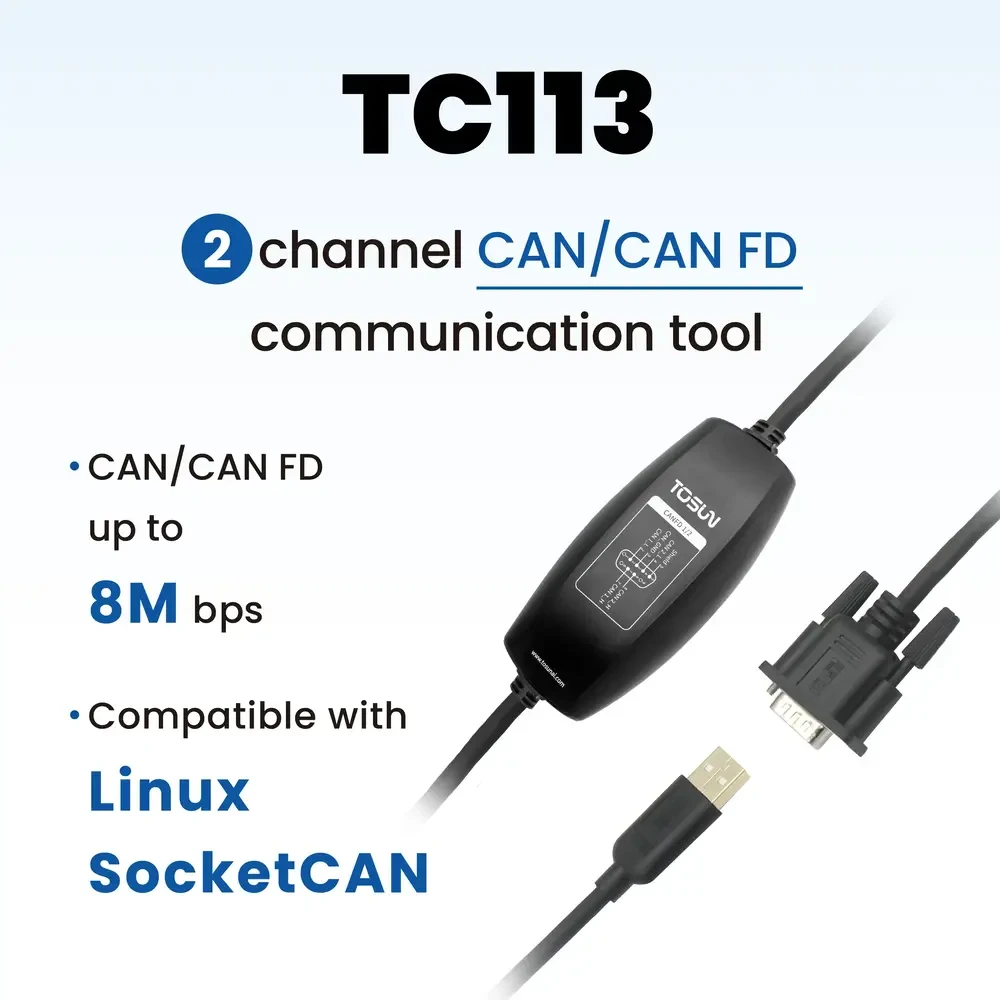
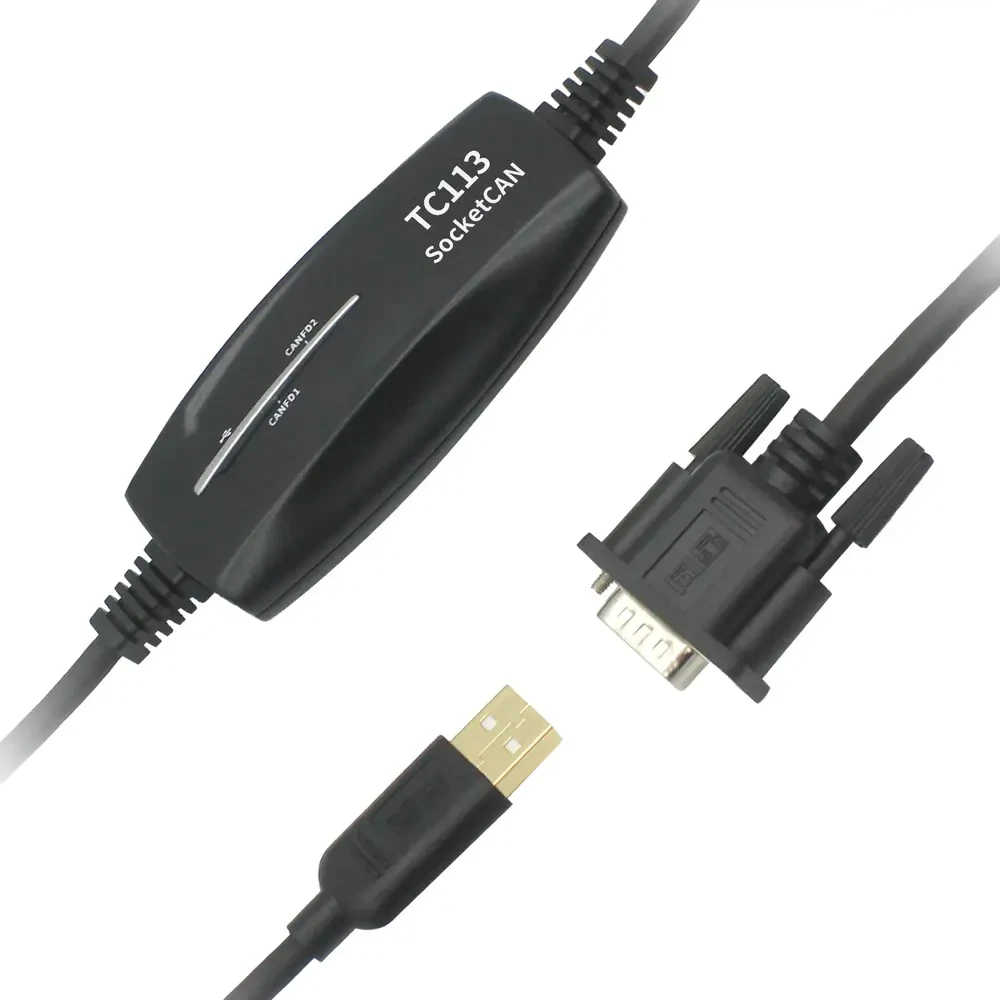
The TC113 is a dual-channel CAN/CAN FD communication tool based on SocketCAN.
It is designed to make CAN communication as simple and efficient as network programming.
The TC113 supports CAN FD bus speeds up to 5Mbps (optionally up to 8Mbps) and connects to the host via USB. It is fully compatible with SocketCAN and comes with a complete Linux driver for excellent system compatibility.
TC113 – 2 CAN/CAN FD Communication Tool
: Product Overview
Powered by a China-made main control chip, TC113 supports a fully domestic hardware configuration, making it suitable for a wide range of embedded and industrial communication applications.
Specifications
| Parameters | instructions |
| PC Interface | USB 2.0 (High Speed) |
| Driver | Linux driver support |
| Cache | Hardware cache |
| Connector | Standard D-Sub, 9-pin |
| CAN | Supports CAN2.0A and B protocols, conforms to ISO11898-1 specification, baud rate 125Kbps-1Mbps |
| CAN FD | Supports ISO and non-ISO standard CAN FD, baud rates from 125Kbps to 5Mbps (8Mbps requires customization) |
| Electricity Supply | USB power supply |
| Power Wastage | 1.5W |
| ESD Protection | ±8 KV contact discharge, ±8 KV air charge |
| Sampling point | Adjustable from 70% ~ 90% |
| Sizes | 93.7 × 47.4 mm |
| Weights | 106.2 g |
| Operating Humidity Range | 10%~90% (no condensation) |
| Working environment | Keep away from corrosive gases |
CAN/CAN FD
| Parameters | instructions |
| Supported Protocols | CAN 2.0 A/B (ISO 11898-1), CAN FD (ISO and non-ISO) |
| CAN Baud Rate | 125 Kbps to 1 Mbps |
| CAN Frame Data Length | Up to 8 bytes |
| CAN FD Baud Rate | 125 Kbps ~ 5 Mbps (8 Mbps optional) |
| CAN FD Frame Data Length | Up to 64 bytes; supports BRS frames |
| Channel Number | 2 x CAN/CAN FD |
| Cache | Hardware cache |
Additional information
Download
User Manual
Simplified Chinese
User Manual
English version
Software package
Software package
Software package
FAQ
Please keep in mind
Caution! Electrostatic discharge (ESD) may damage or destroy components on the card. Please take precautions to avoid electrostatic discharge.
Before using the device, please carefully review the pinout information in the product manual. During operation of the device, be sure to connect the power cord correctly and avoid plugging and unplugging.